



TikTok has become one of the most popular platforms for short-form videos, featuring creative content ranging from entertainment to education. While TikTok allows users to save videos, these downloads usually include a watermark. Many users look for ways to download TikTok videos without a watermark for personal use, offline viewing, or reference purposes.
This article explains safe, simple, and responsible methods to download TikTok videos without watermark while respecting content creators and platform rules.
What Is a TikTok Watermark?
A TikTok watermark is a small animated logo that appears on downloaded videos. It typically includes the TikTok logo and the creator’s username. The watermark helps protect ownership and promotes the original creator when the video is shared elsewhere.
Why TikTok Adds Watermarks
TikTok uses watermarks to:
- Credit content creators
- Prevent unauthorized reuploads
- Maintain brand visibility across platforms
Does Removing a Watermark Affect Video Quality?
When done using reliable tools, removing the watermark does not reduce video quality. However, low-quality or unsafe tools may compress videos, resulting in blurry output or missing audio.
Is It Legal to Download TikTok Videos Without Watermark?
Downloading TikTok videos is generally allowed for personal use. However, reusing content without permission—especially for commercial purposes—can violate copyright laws.
Responsible Usage Guidelines
- Download videos only from public accounts
- Avoid reposting content without creator consent
- Do not use downloaded videos for monetization
- Always credit the original creator when sharing
Best Methods to Download TikTok Videos Without Watermark
There are several user-friendly methods available, each suited for different devices and needs.
Online TikTok Downloader Tools
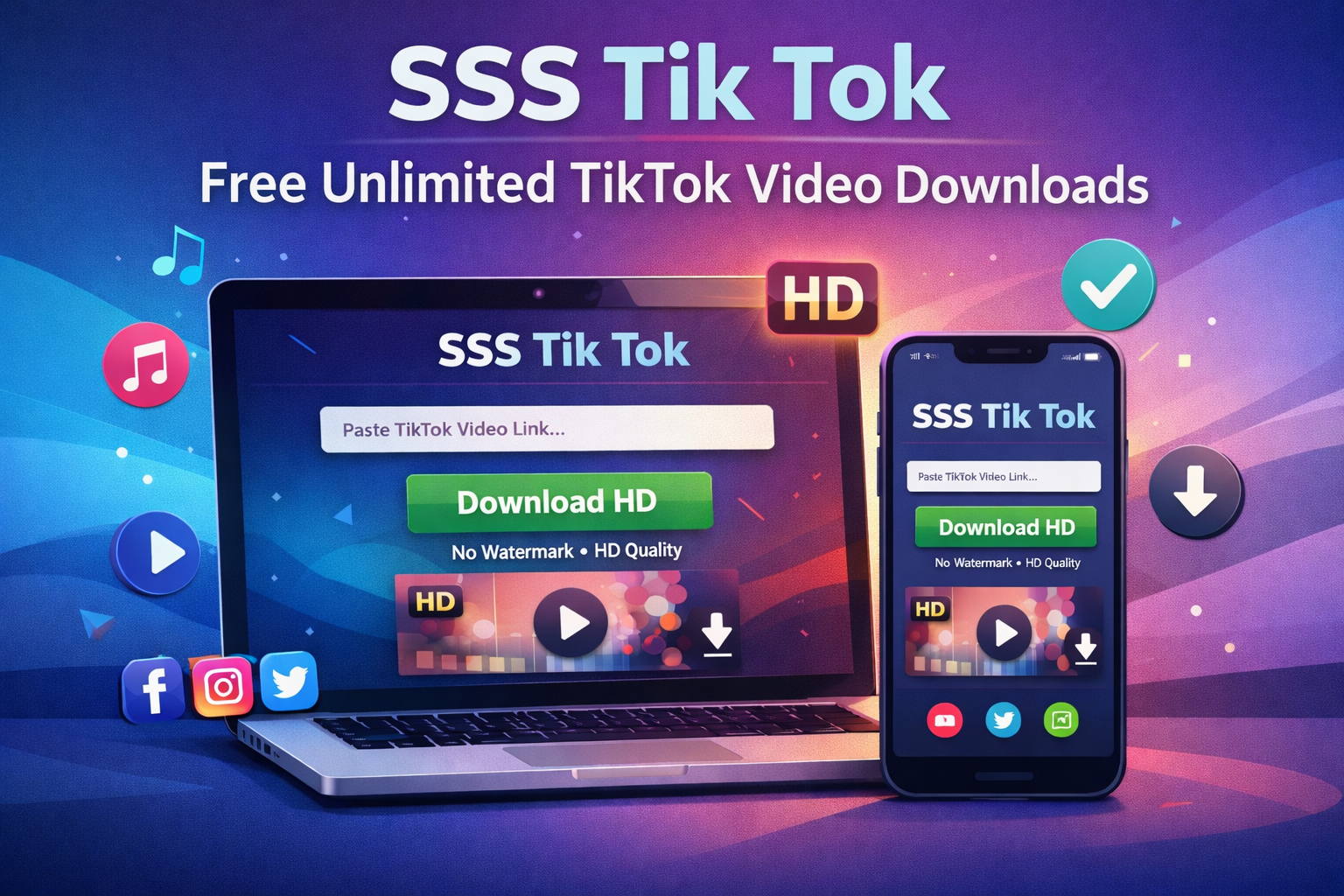
Online tools are the most popular option. They work directly in your browser and require no installation. Users simply paste the TikTok link and choose a no-watermark option.
Browser-Based Downloaders
These tools function on Chrome, Safari, Firefox, and Edge. They are convenient for both mobile and desktop users.
Mobile-Friendly Download Options
Many online tools are optimized for smartphones, making it easy to download videos on Android and iOS without additional apps.
How to Download TikTok Videos Without Watermark (Step-by-Step)
Follow these simple steps to save a TikTok video without a watermark:
Step 1: Copy the TikTok Video Link
Open the TikTok app or website, select the video you want, and copy its share link.
Step 2: Open a Trusted Downloader
Visit a reliable TikTok downloader website using your browser.
Step 3: Paste the Video URL
Paste the copied link into the input box provided on the downloader page.
Step 4: Select the No-Watermark Option
Choose the option that allows downloading without a watermark, if available.
Step 5: Download and Save the Video
Click the download button and save the video to your device.
Download TikTok Videos Without Watermark on Different Devices
On Android Devices
Android users can download TikTok videos directly through mobile browsers. The video is usually saved in the Downloads folder.
On iPhone and iPad
iOS users can use Safari or other browsers. Some devices may save videos to the Files app instead of Photos.
On Windows and macOS
Desktop users can download videos easily using any modern browser. Files are saved to the default download location.
Video Quality and Format Options
Most TikTok downloaders support common formats such as MP4 for videos and MP3 for audio.
HD vs Standard Quality
HD downloads provide better clarity and are ideal for offline viewing. Standard quality uses less storage space.
Does Watermark Removal Reduce Quality?
With reliable tools, watermark removal does not affect resolution or sound quality.
Common Problems and How to Fix Them
Video Not Downloading
Ensure the TikTok video is public and the link is correct.
Low Video Quality
Check if HD quality is available and selected before downloading.
Unsupported or Private Videos
Private or restricted videos cannot be downloaded due to privacy rules.
Tips for Safe and Fast TikTok Downloads
- Use reputable websites only
- Avoid clicking unnecessary ads
- Keep your browser updated
- Use a stable internet connection
Alternatives If Downloading Without Watermark Is Not Possible
Screen Recording
Screen recording is a built-in option on most devices but may reduce quality and include on-screen elements.
TikTok’s Built-In Save Feature
TikTok’s native save option is easy but includes a watermark.
Frequently Asked Questions
Can I download TikTok videos without watermark for free?
Yes, many online tools offer free no-watermark downloads.
Do I need to install software?
No, browser-based tools work without installation.
Is it safe to use online downloaders?
Trusted websites are generally safe if used carefully.
Can I download private TikTok videos?
No, private videos are restricted and cannot be downloaded.
Conclusion
Downloading TikTok videos without watermark can be simple and convenient when done responsibly. By using trusted tools, following ethical guidelines, and respecting creators’ rights, users can safely save content for personal use and offline viewing.
Always remember to support original creators and use downloaded videos within legal and ethical boundaries.