

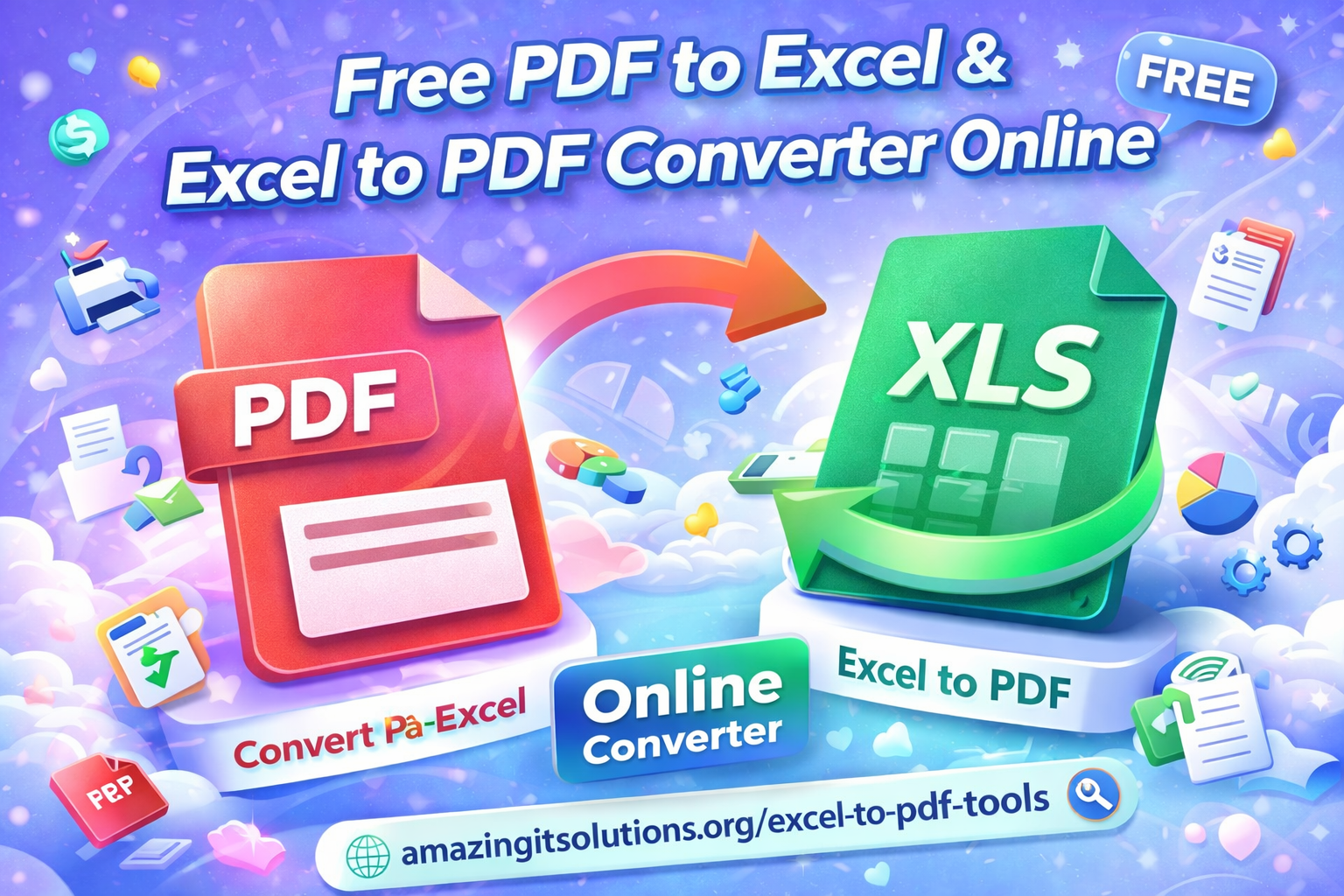
Managing documents often means working with both PDF and Excel files. PDFs are excellent for sharing and printing, while Excel spreadsheets are ideal for editing, calculations, and data analysis. A free online PDF to Excel and Excel to PDF converter helps bridge this gap, allowing users to switch formats easily without installing software.
With a reliable browser-based tool, you can extract tables from PDFs into editable spreadsheets or convert Excel files into clean, professional PDF documents in just a few steps.
What Is a PDF to Excel & Excel to PDF Converter?
A PDF to Excel and Excel to PDF converter is an online utility that changes file formats while keeping the original structure as accurate as possible. When converting PDF files to Excel, the tool detects tables and organizes the data into rows and columns. When converting Excel files to PDF, it preserves layout, fonts, and formatting for easy sharing.
These tools are designed for everyday users, businesses, students, and professionals who need quick and reliable conversions.
Why Use an Online Converter?
Online converters offer convenience and flexibility. There is no need to download software or worry about system compatibility. You can access the tool from any device, including laptops, tablets, and mobile phones.
Another key benefit is speed. Uploading a file, converting it, and downloading the result usually takes only a few moments. Free tools also make document management more accessible for users with basic needs.
How to Convert PDF Files to Excel
Converting a PDF to Excel is straightforward. First, upload your PDF file to the converter. The tool automatically analyzes the document and identifies tables and structured data. Once processing is complete, you can download the Excel spreadsheet and edit it as needed.
This process is especially useful for financial reports, invoices, and data tables that need further analysis or updates.
How to Convert Excel Files to PDF
To convert Excel files to PDF, upload your spreadsheet and start the conversion. The tool transforms the file into a PDF document that maintains the original layout and readability. This format is ideal for sharing reports, printing documents, or sending files that should not be edited.
Online tools often handle multiple sheets and page layouts, making the conversion process smooth and reliable.
Accuracy and File Quality
A good converter focuses on accuracy. For PDF to Excel conversions, table alignment and data placement are important. While very complex or scanned PDFs may require minor adjustments, modern tools achieve impressive results for most standard documents.
When converting Excel to PDF, file quality remains high, ensuring that charts, tables, and text appear clear and professional.
Safety and Privacy
Security is an important consideration when uploading files online. Trusted converters process files securely and automatically delete them after a short period. Users are not required to create accounts or provide personal information, making the process safer and more convenient.
Always choose reputable tools for handling sensitive documents.
When to Use PDF or Excel Format
PDF files are best for sharing finalized documents, contracts, and reports. Excel files are better suited for editing, calculations, and working with data. A converter allows you to move between these formats depending on your needs.
Using the right format at the right time improves productivity and document organization.
Try a Free Online Tool
If you are looking for a simple and reliable solution, you can use this free online tool to convert Excel files to PDF and handle PDF-to-Excel tasks efficiently:
Conclusion
A free PDF to Excel and Excel to PDF converter online is a practical solution for modern document management. It saves time, improves workflow, and makes file sharing easier. By using a secure and user-friendly tool, you can convert documents with confidence while maintaining quality and accuracy.
Frequently Asked Questions
1. Can I convert PDF files to Excel for free?
Yes, many online tools allow you to convert PDF files into Excel spreadsheets at no cost. These tools work directly in your browser and do not require software installation.
2. Will my Excel formatting stay the same after converting to PDF?
Most converters preserve the layout, fonts, and structure of the original Excel file. Minor adjustments may be needed for complex spreadsheets, but overall quality remains high.
3. Is it safe to upload PDF or Excel files online?
Trusted converters process files securely and delete them automatically after conversion. No account or personal information is usually required.
4. Can scanned PDF files be converted to Excel?
Some tools can convert scanned PDFs, but accuracy may depend on the document quality. Clear, well-structured PDFs provide better results.5. When should I use Excel instead of PDF?
Excel is best for editing data, calculations, and analysis, while PDF is ideal for sharing finalized documents that should not be modified.