
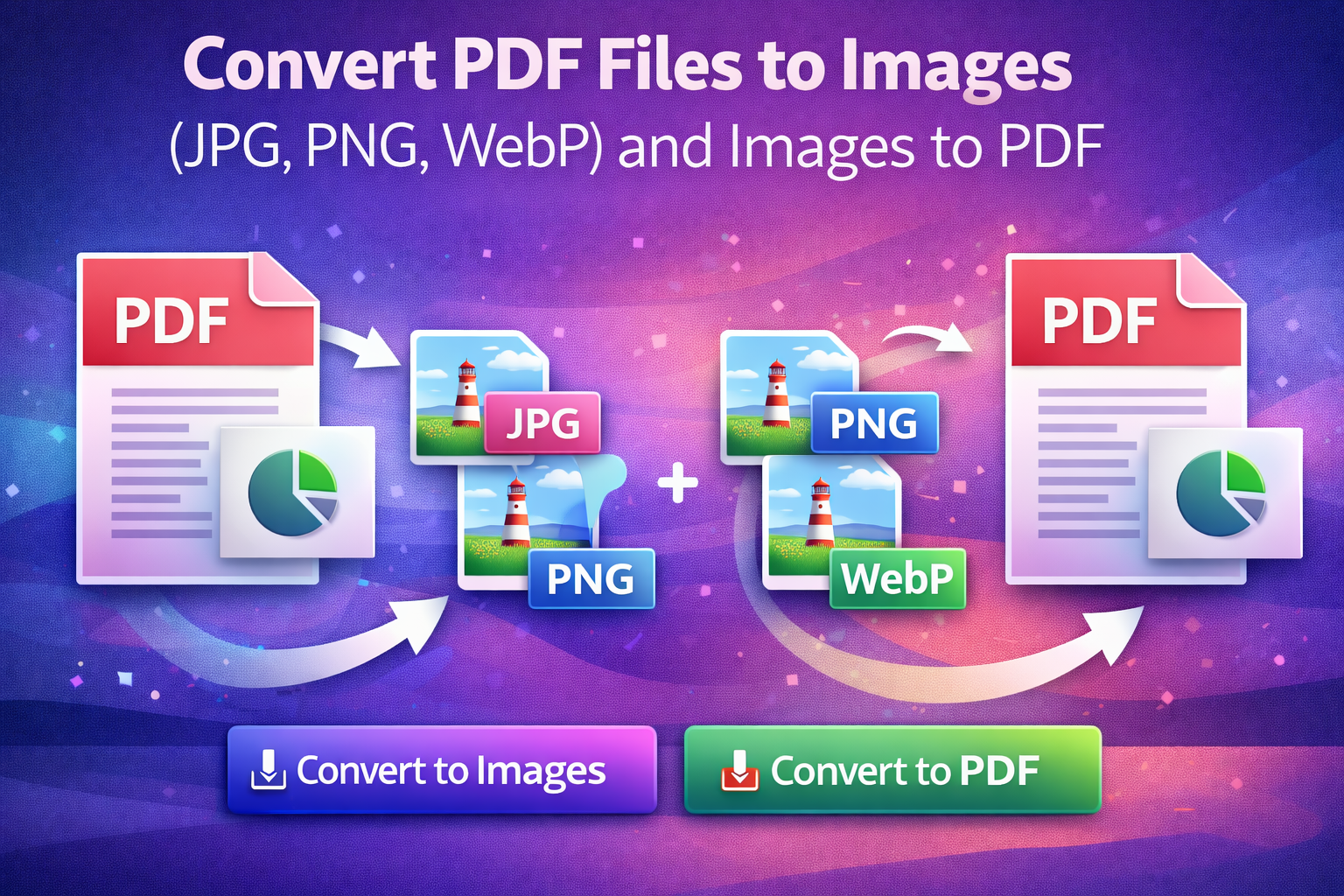
PDF and image files are widely used for sharing documents, graphics, and visual content. However, there are many situations where converting between PDFs and image formats becomes necessary. You may need to extract images from a PDF for editing, or combine several images into a single PDF for easier sharing. An online PDF and image converter makes this process simple and accessible to everyone.
Modern conversion tools work directly in your browser, allowing you to convert PDF files to images such as JPG, PNG, or WebP, and also turn images into PDF files without installing any software. These tools are designed for speed, convenience, and quality.
What Is a PDF and Image Converter?
A PDF and image converter is an online tool that changes file formats while preserving content and quality. It allows users to extract each page of a PDF as an image or combine multiple images into one PDF document.
Because these tools are web-based, they can be used on any device, including computers, tablets, and smartphones.
Why Convert PDF Files to Images or Images to PDF?
There are many reasons to convert between PDFs and images. Converting PDFs to images makes it easier to edit, share individual pages, or use them in presentations and designs. Images are also more flexible for websites and social media.
On the other hand, converting images to PDF helps organize multiple pictures into a single file. PDFs are easier to print, share professionally, and store as documents.
Supported Formats Explained
Most online converters support popular image formats such as JPG, PNG, and WebP. JPG is commonly used for photos due to its small file size. PNG is ideal for images that require transparency or sharp details. WebP offers modern compression with high quality and reduced size.
When converting images to PDF, multiple images can usually be merged into one document, making file management more efficient.
How to Convert PDF Files to Images Online
Converting PDF files to images is a straightforward process. First, upload your PDF file to the converter. Next, choose the image format you prefer, such as JPG, PNG, or WebP. Once the conversion is complete, download the images to your device.
Each page of the PDF is typically converted into a separate image, maintaining clarity and layout.
How to Convert Images to PDF Online
To convert images to PDF, upload one or more image files to the converter. Most tools allow you to arrange the images in the desired order before conversion. After processing, the tool generates a single PDF file that contains all the images.
This method is especially useful for creating documents from scanned images or photo collections.
Image Quality and File Size
High-quality converters aim to preserve image resolution during conversion. Users often have the option to balance image quality and file size, depending on their needs. Formats like WebP help reduce file size while maintaining visual clarity.
Maintaining quality ensures that converted files remain suitable for professional use, printing, or digital sharing.
Safety and Privacy Considerations
Reputable online converters prioritize user privacy. Files are processed securely and usually deleted automatically after conversion. There is no need to create an account or provide personal information.
For best results, it is always recommended to use trusted conversion tools.
Common Conversion Issues and Solutions
Occasionally, users may experience large file sizes or slight quality loss. Selecting the right format and resolution can help prevent these issues. Ensuring a stable internet connection also improves upload and download reliability.
Most problems are easily resolved by adjusting settings or retrying the conversion.
Conclusion
Converting PDF files to images and images to PDF is a practical solution for managing digital documents. Online converters offer a fast, simple, and reliable way to handle these tasks without technical knowledge. By choosing the right tool, users can convert files efficiently while maintaining quality and security.
FAQs
1. Can I convert PDF files to images online for free?
Yes, many online tools allow you to convert PDF files into image formats such as JPG, PNG, or WebP at no cost. These tools work directly in your browser and do not require software installation.
2. Will the image quality change after converting a PDF?
Most reliable converters maintain the original layout and clarity of the PDF pages. Choosing the right image format and resolution helps ensure high-quality results.
3. Can I convert multiple images into one PDF file?
Yes, online converters usually support merging several images into a single PDF. You can also arrange the image order before creating the PDF.
4. Are online PDF and image converters safe to use?
Trusted converters process files securely and automatically delete them after conversion. No personal information or account creation is usually required.5. Which image format should I choose: JPG, PNG, or WebP?
JPG is best for photos with smaller file sizes, PNG is ideal for images needing transparency or sharp detail, and WebP offers modern compression with good quality and reduced size.